View Categories

How to Enroll Products in Dispatched by Kingston Express

3 min read

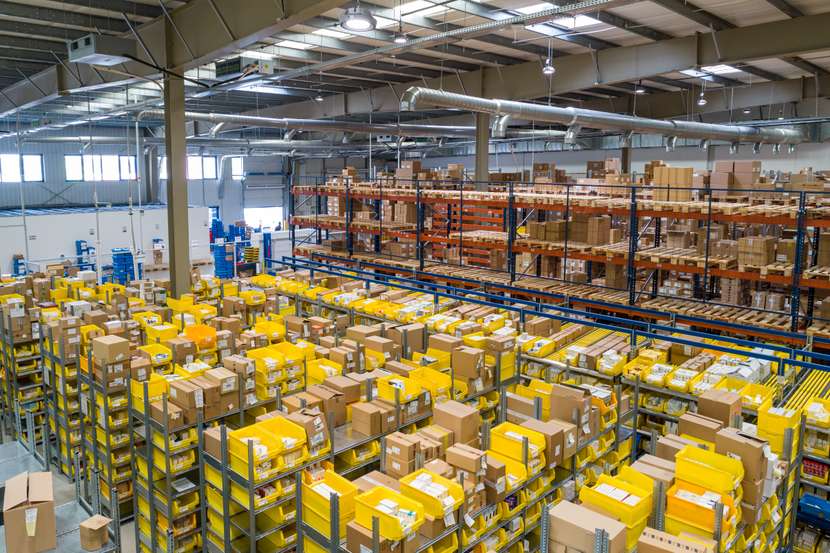
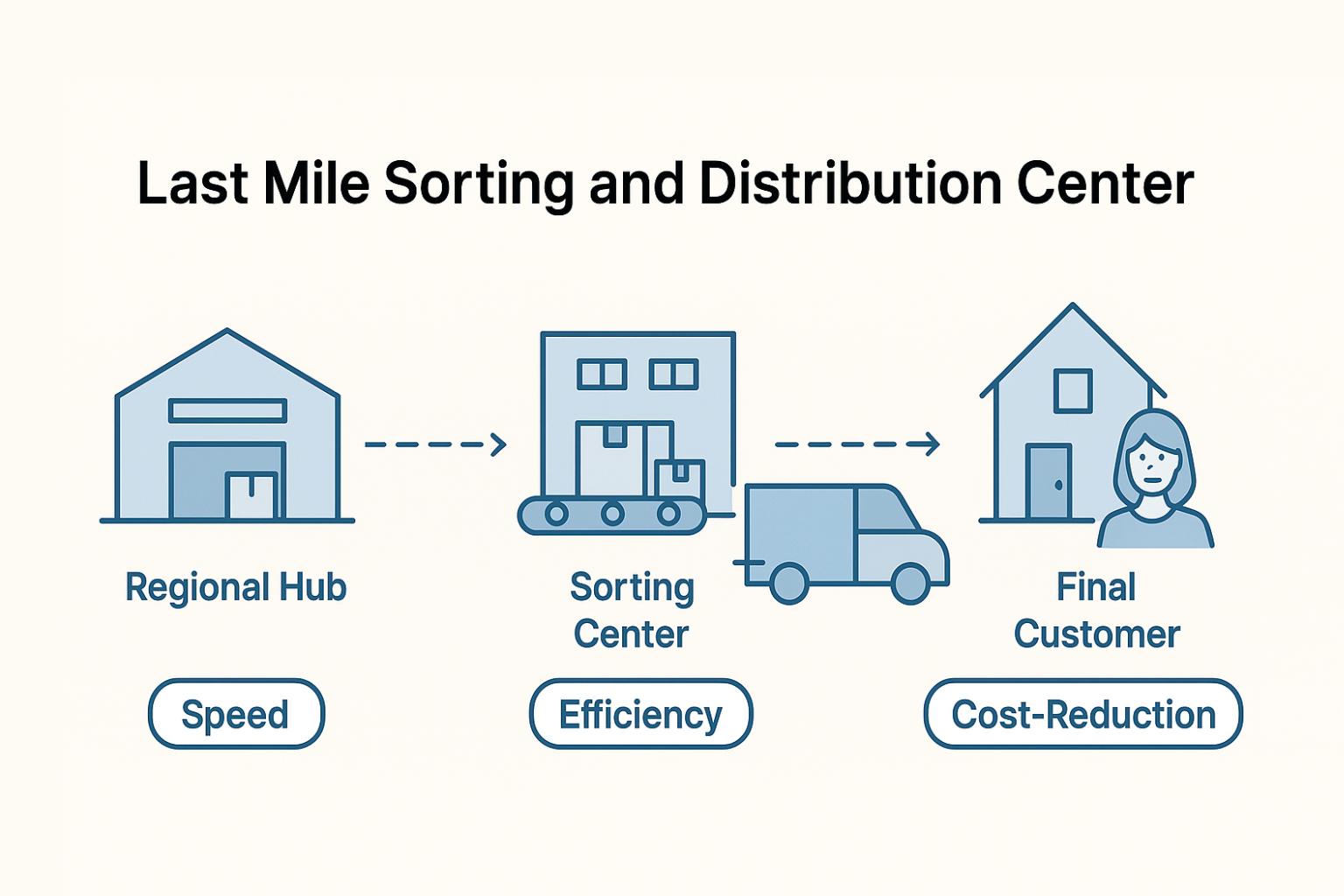
Dispatched by Kingston Express is Kingston Express’s Dispatchment program, where your products are stored in our dispatchment centers and all delivery operations are handled by Kingston Express.

This guide explains how to enroll products, how dispatchment works, and what happens after your products are accepted.


What Is “Dispatched by Kingston Express”? #

https://outvio.com/static/fb5e22c3801d001e26036bf619a847ea/ddc9c/clg2adreh0006719a4sloc6nf.jpg
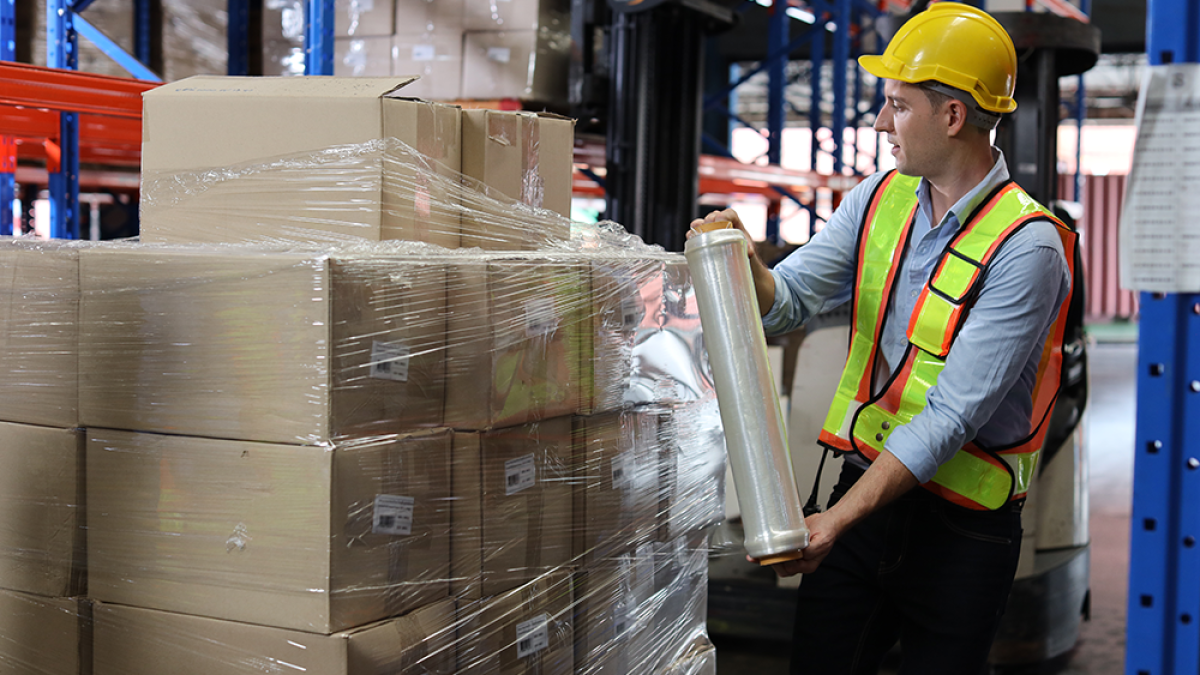
https://cdn-ilaeadh.nitrocdn.com/UnAFfTqfoHKRwMhikRtSYtATXULTzYKf/assets/images/optimized/rev-863aedd/www.amsc-usa.com/wp-content/uploads/2023/08/an-example-of-a-warehouse-packing-station-1024x576.jpg
https://www.gobolt.com/wp-content/uploads/2025/08/Improving-Last-Mile-Delivery-15.png

When a product is enrolled in Dispatched by Kingston Express:

  • Your products are stored at a Kingston Express dispatchment center
  • Kingston Express manages:
    • Product storage
    • Order picking and packing
    • Dispatch and delivery
    • Delivery tracking and logistics

📦 You sell the product — Kingston Express handles dispatchment and delivery.


Which Products Can Be Enrolled in Dispatchment? #

To qualify for Dispatched by Kingston Express, products must:

  • Be approved and live on the marketplace
  • Be safe for storage and delivery
  • Have clear images and accurate descriptions
  • Be suitable for centralized dispatch
  • Have consistent stock availability

📌 Some oversized, restricted, or special-handling items may not qualify.


Step 1: Log In to Your Seller Dashboard #

  1. Go to My Account
  2. Log in to your seller account
  3. Open the Seller Dashboard

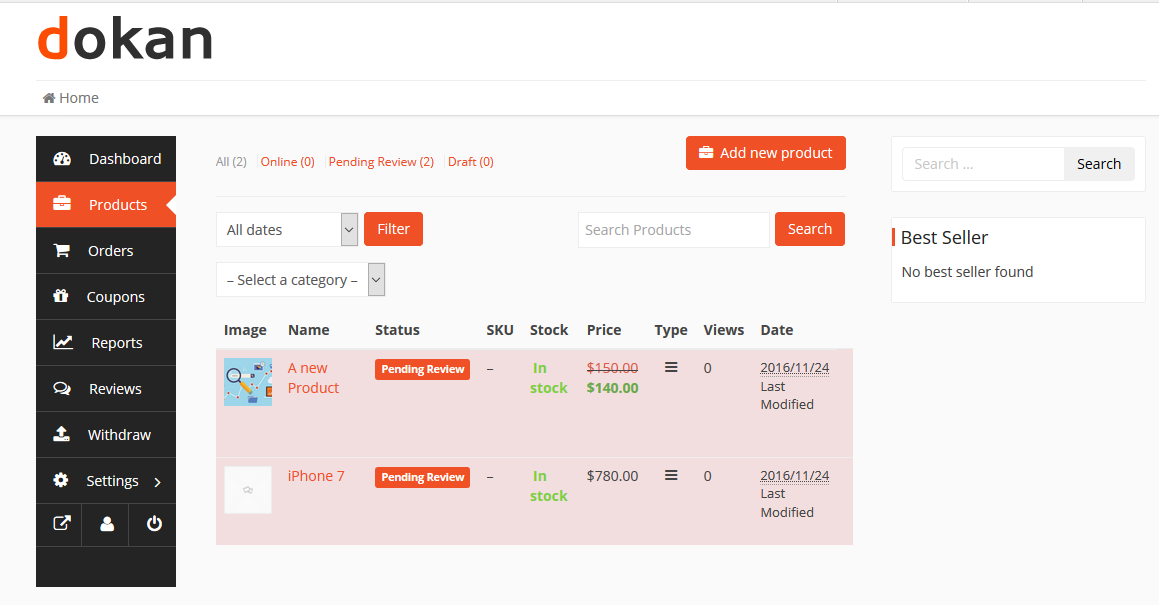
Step 2: Open Your Products List #

  1. Click Products
  2. Find the product you want to enroll
  3. Click Edit
https://cdn.wedevs.com/uploads/docs/dokan-seller-dashboard-products.png
https://cdn.wedevs.com/uploads/2021/03/add-external-product-1-1024x521.png

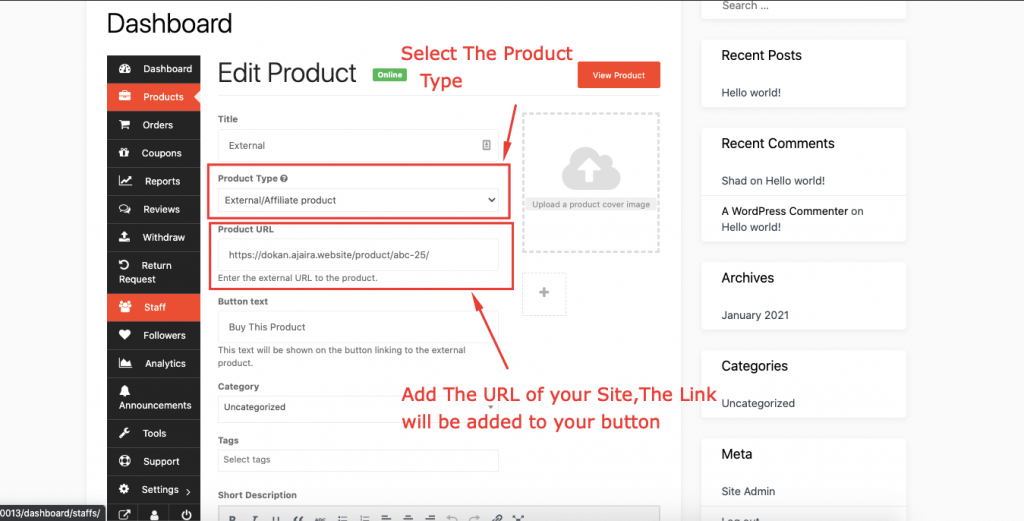
Step 3: Enable “Dispatched by Kingston Express” #

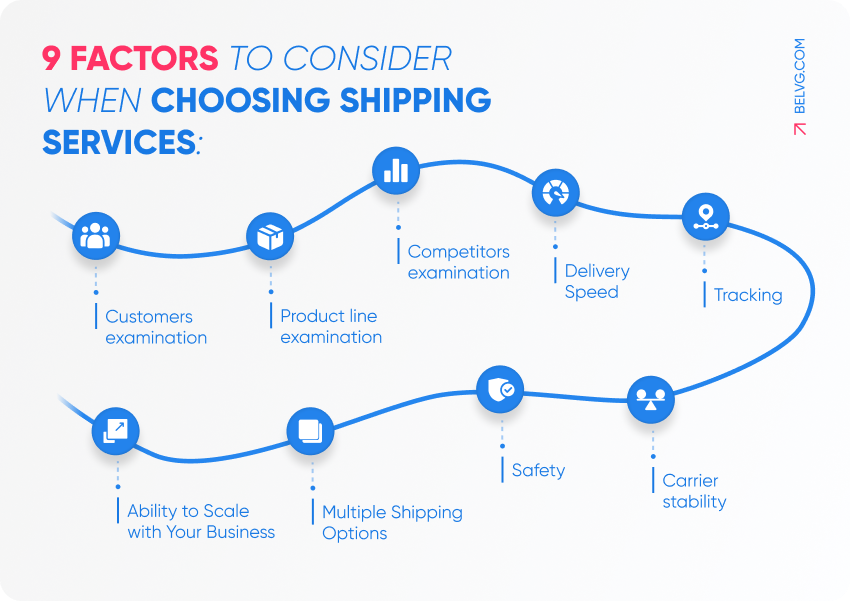
https://belvg.com/blog/wp-content/uploads/2021/10/9-factors-to-consider-when-choosing-shipping-services.webp
https://www.webtoffee.com/wp-content/uploads/2024/12/product-meta-field-in-dispatch-label-937x1024.jpg

In the product shipping or dispatchment section:

  • Select Dispatched by Kingston Express
  • Confirm that the product will be handled through Kingston Express dispatchment

📌 This tells the system that Kingston Express will store and dispatch this product.


Step 4: Set Dispatchment Stock Quantity #

Enter:

  • The number of units you are assigning to dispatchment
  • This becomes your dispatchment stock, separate from seller-held stock

📦 Only this quantity will be dispatched by Kingston Express.


Step 5: Submit for Dispatchment Review (If Required) #

Some products may require:

  • A quick dispatchment suitability review
  • Confirmation of storage or handling requirements

You’ll be notified once the product is cleared for dispatchment.


Step 6: Deliver Products to the Kingston Express Dispatchment Center #

https://cdn.prod.website-files.com/668026bd6ba918352b4b09d2/668c1c13a959f5321db955dc_6433a8a348a3a00e0fb84346_ae2f3R4xYAbNwCeEPkuLIIQ7F8katTYC39drtNzmXUg.jpeg
https://static.amazon-supply-chain-assets.com/dims4/default/7ba8ba5/2147483647/strip/false/crop/1000x563%2B0%2B52/resize/1200x675%21/quality/90/?url=https%3A%2F%2Fsupply-chain-production-supply.s3.us-east-1.amazonaws.com%2Fbrightspot%2F7d%2F4f%2F5d440d7e4578993982223a71d73b%2Fsend-inv-to-fcs-promo.png

After approval:

  • You’ll receive instructions on where and how to deliver your products
  • Products must be:
    • Properly packaged
    • Clean and sell-ready
    • Correct quantities only

📍 Do not send products before approval.


Step 7: Products Are Received & Activated for Dispatch #

Once inventory is received:

  • Kingston Express verifies the items
  • Dispatchment stock is added to the system
  • Your product goes live with the label:
    🟦 Dispatched by Kingston Express
https://img2.embroiderydesigns.com/stockdesign/xlarge/dakota_collectibles/eq0156.webp
https://cdn.prod.website-files.com/63a40b5d0bd7064cf2860235/63b56d4dd8b5d95d20b85aec_what-is-shipping-label.jpg

Customers will see:

  • Dispatched by Kingston Express
  • Reliable delivery timelines
  • Trusted Kingston Express handling

🛒 This increases customer confidence at checkout.


What Happens After Dispatchment Enrollment? #

Once enrolled:

  • Orders are picked, packed, and dispatched automatically
  • You do not manage delivery or couriers
  • Dispatchment stock updates in real time
  • Kingston Express manages delivery communication

🚚 Hands-off delivery for sellers.


Managing Your Dispatchment Inventory #

You can:

  • Monitor dispatchment stock levels
  • Replenish inventory when low
  • Remove products from dispatchment if needed

📊 Accurate dispatchment stock ensures smooth operations.


Common Seller Mistakes to Avoid #

❌ Sending inventory without approval
❌ Sending incorrect quantities
❌ Enrolling unsuitable products
❌ Ignoring low dispatchment stock

⚠️ These can delay dispatch or sales.


Best Practices for Sellers #

✔ Start with fast-moving products
✔ Send consistent, reliable stock
✔ Monitor dispatchment inventory weekly
✔ Replenish early to avoid sell-outs


When to Contact Support #

Contact Kingston Express Support if:

  • You’re unsure if a product qualifies for dispatchment
  • Dispatchment instructions are unclear
  • Stock levels don’t look correct

📧 Include your store name and product name.


Final Tip #

If you want faster delivery, less work, and easier growth, enrolling products in Dispatched by Kingston Express gives you a powerful dispatchment advantage on the marketplace 🚚📦

Leave a Reply

Your email address will not be published. Required fields are marked *

Main Menu